Signature Maroon Mic Mount | Condenser Mic Pickup for Acoustic Guitar — NV Tone
Move your mouse over image or click to enlarge
Signature Maroon Mic Mount | Condenser Mic Pickup for Acoustic Guitar — NV Tone Signature Maroon Mic Mount | Condenser Mic Pickup for Acoustic Guitar — NV Tone Signature Maroon Mic Mount | Condenser Mic Pickup for Acoustic Guitar — NV Tone Signature Maroon Mic Mount | Condenser Mic Pickup for Acoustic Guitar — NV Tone Signature Maroon Mic Mount | Condenser Mic Pickup for Acoustic Guitar — NV Tone Signature Maroon Mic Mount | Condenser Mic Pickup for Acoustic Guitar — NV Tone Signature Maroon Mic Mount | Condenser Mic Pickup for Acoustic Guitar — NV Tone Signature Maroon Mic Mount | Condenser Mic Pickup for Acoustic Guitar — NV Tone

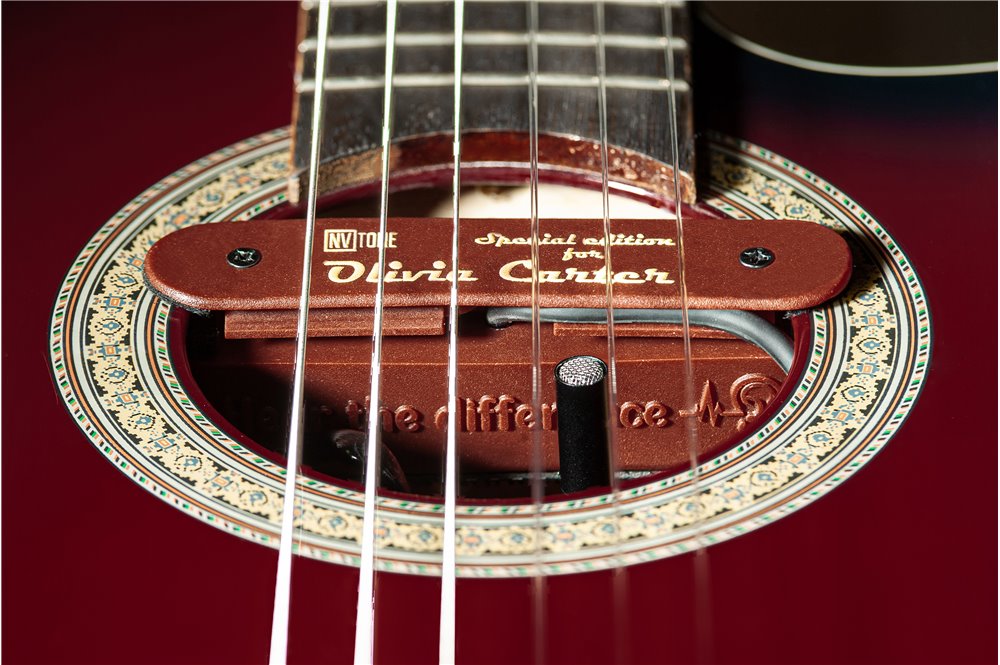
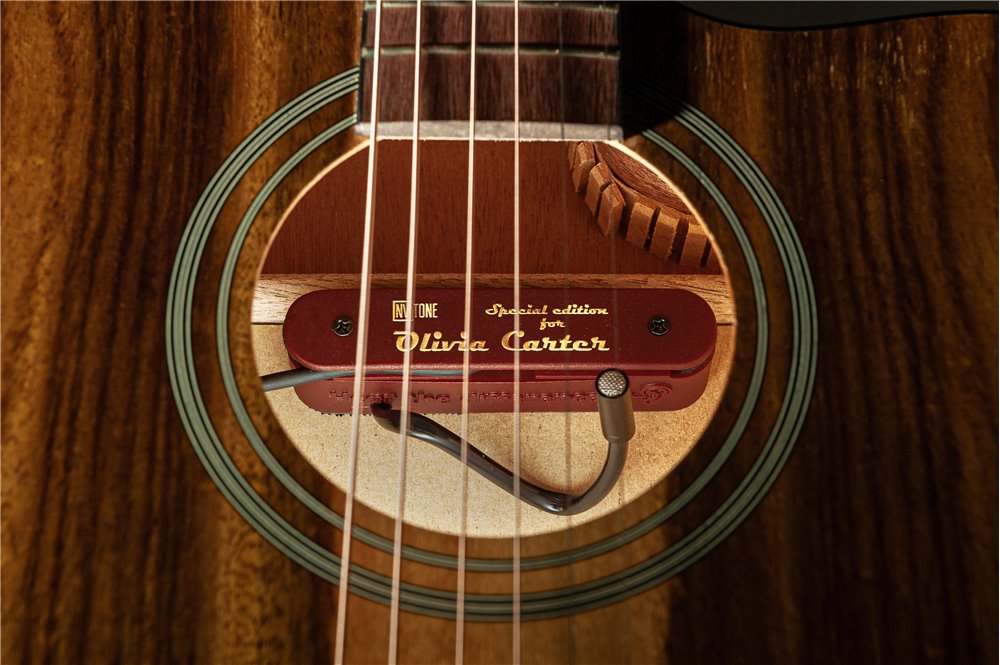
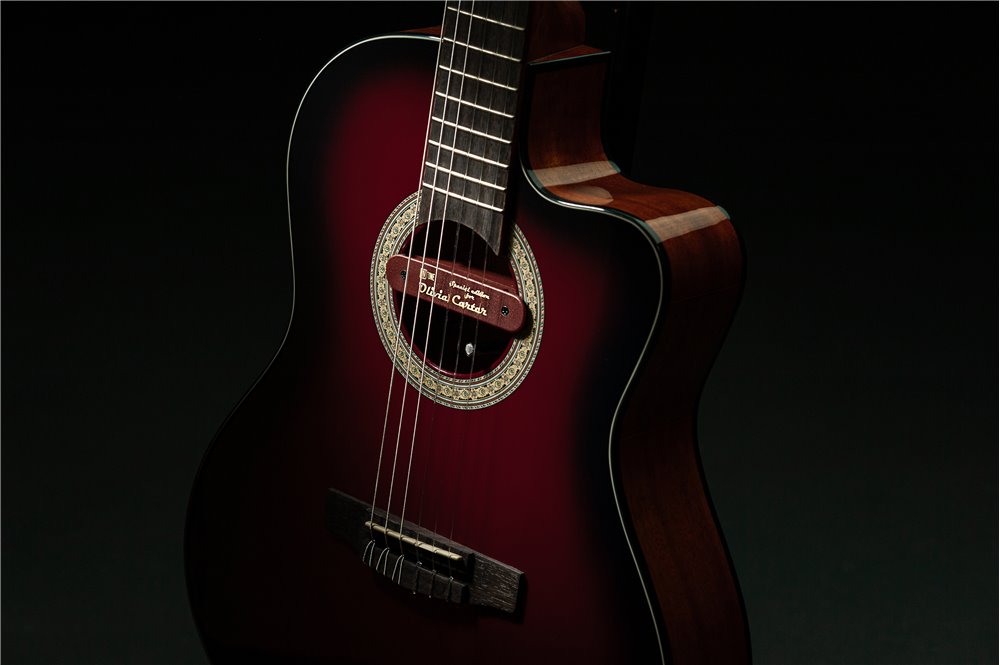
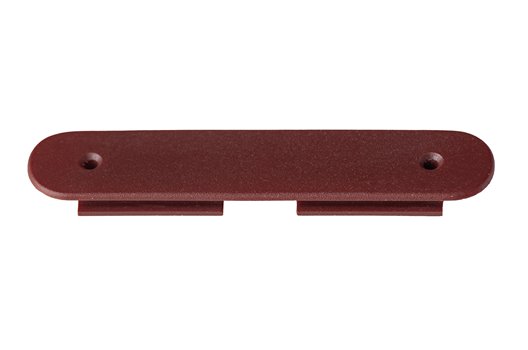
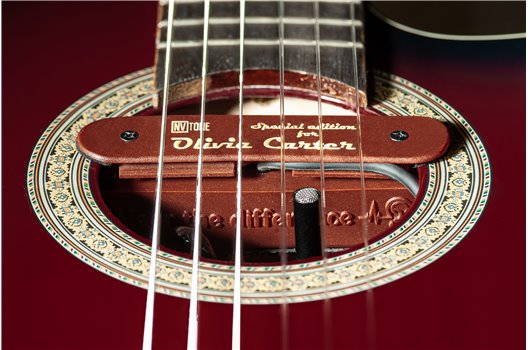
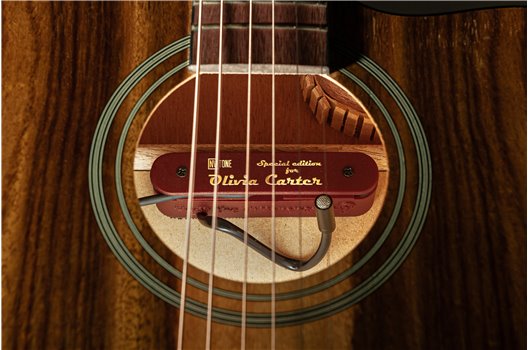
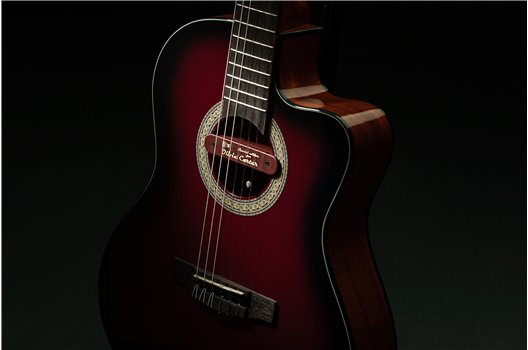
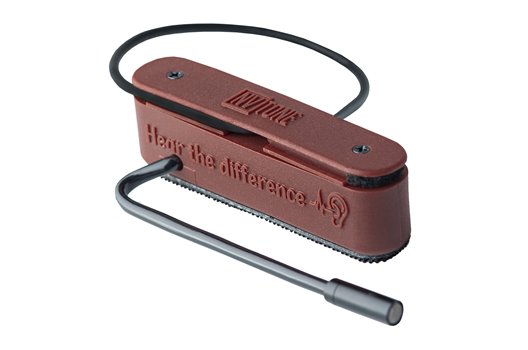
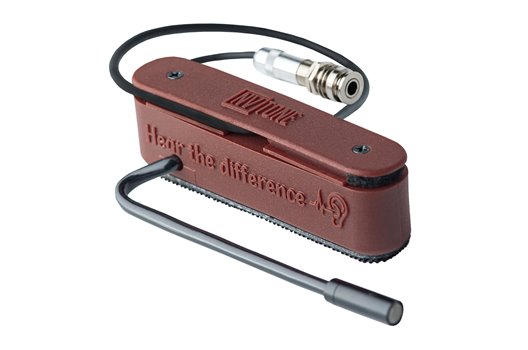
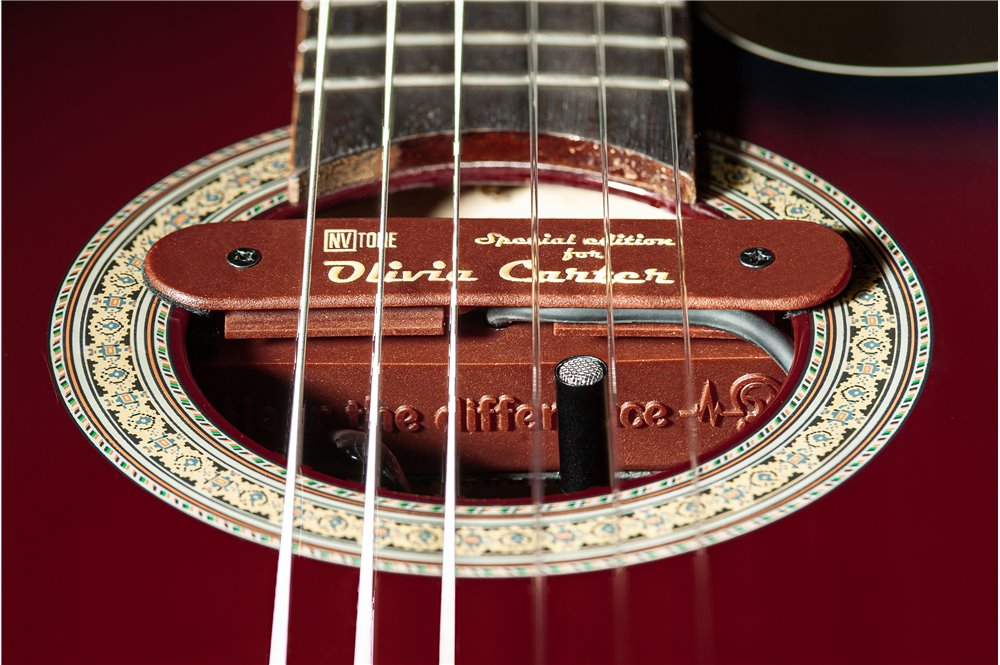
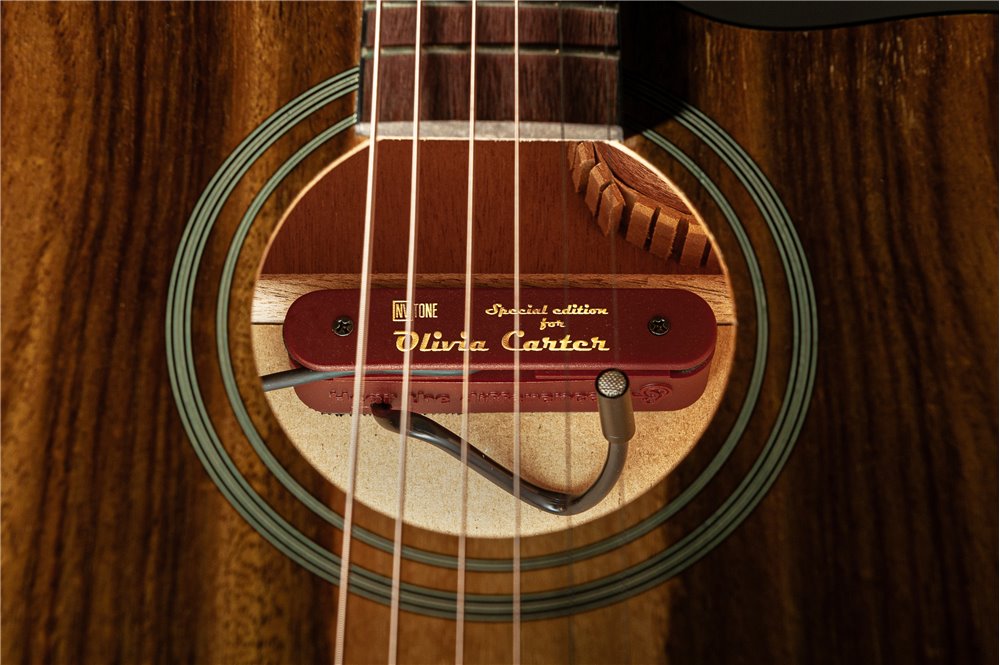
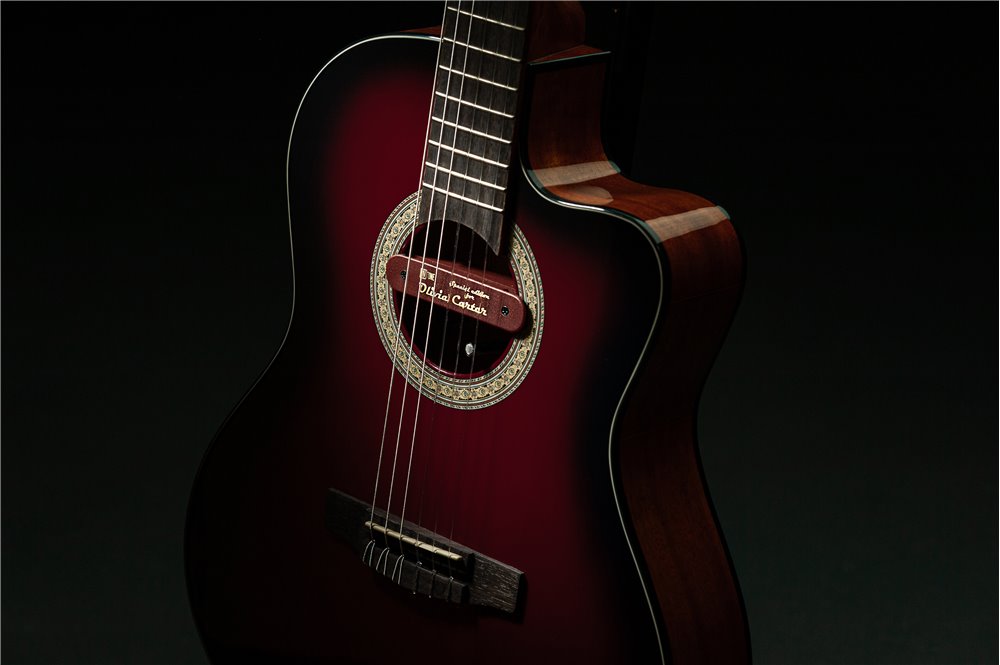
Signature Maroon Mic Mount

Your pickup, your name , your sound.

Enjoy free shipping when you order Signature Tops together with your NV TONE microphone. If you prefer to purchase Signature Tops separately, a flat $19 shipping fee applies worldwide.

NV-SW-SG-MM-MR
$25
No tax

✔ Fast shipping
✔ 20-day returns
✔ 2-year warranty


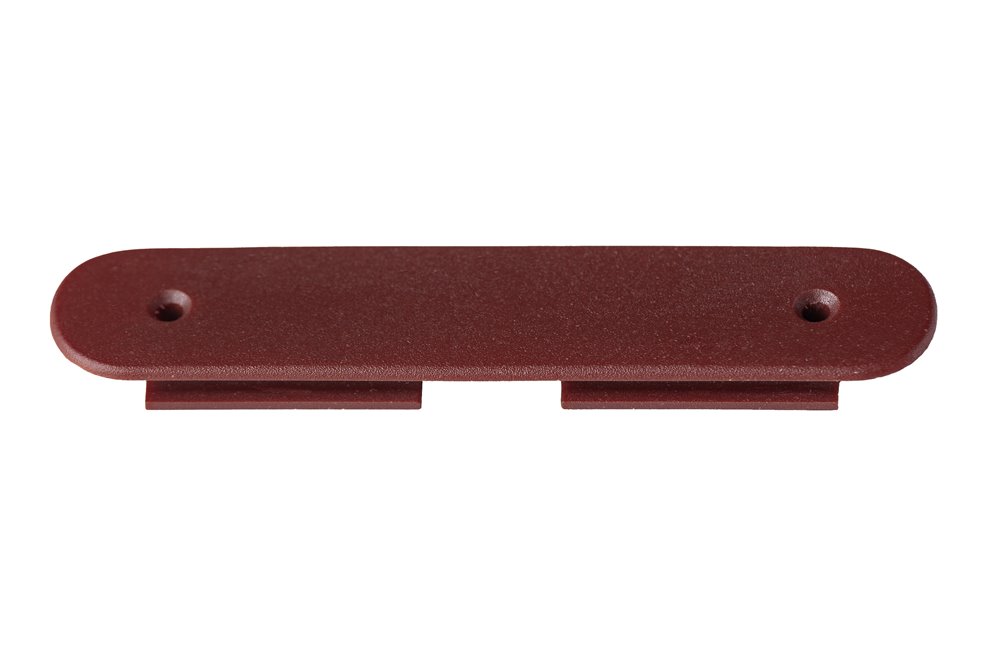
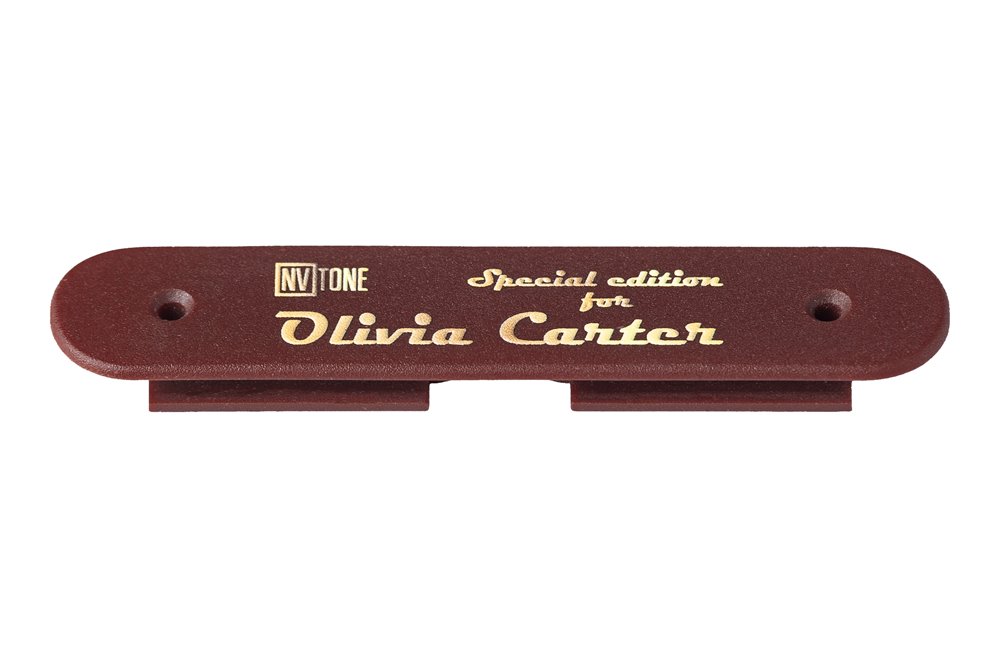
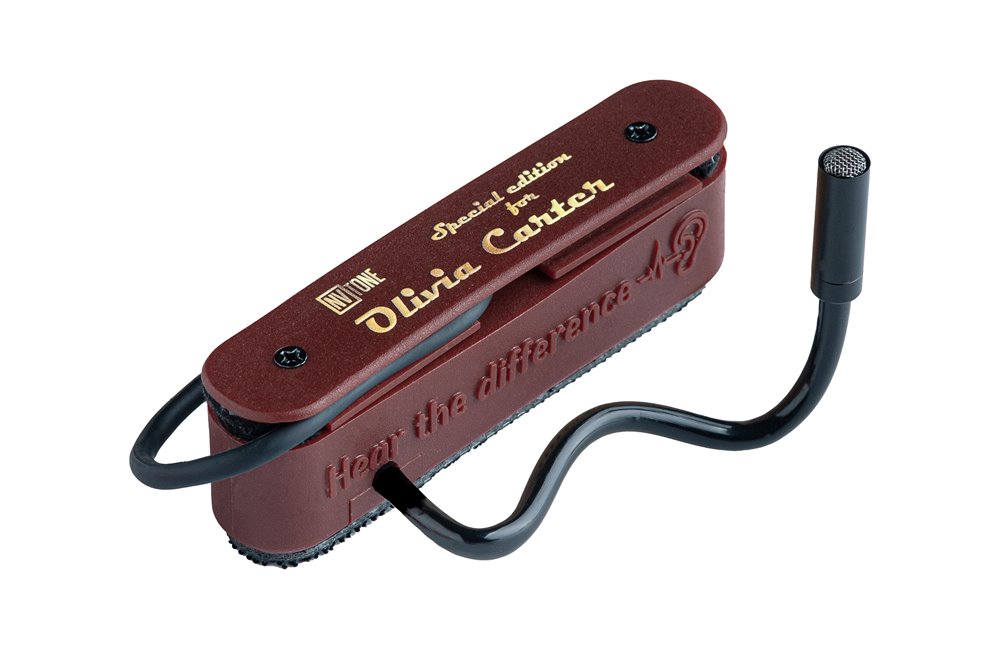
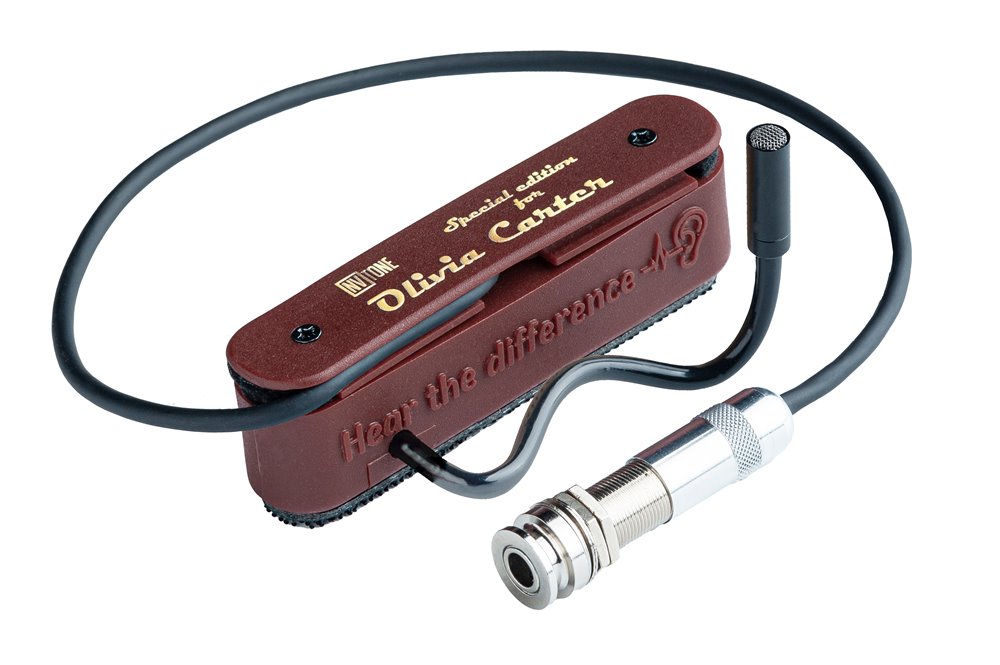
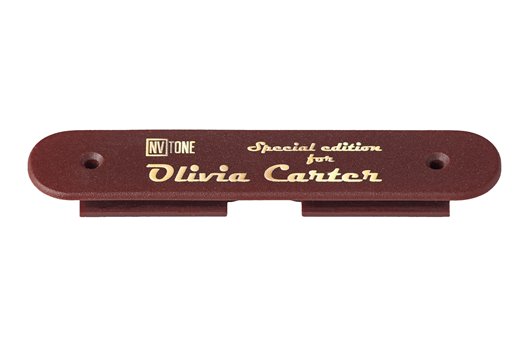
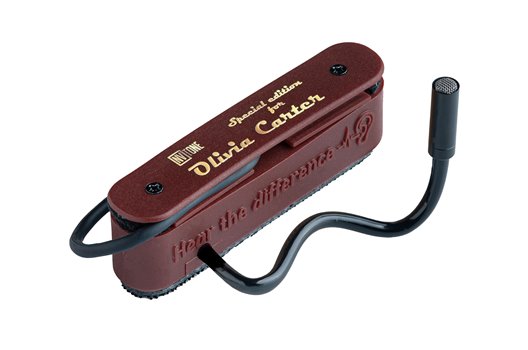
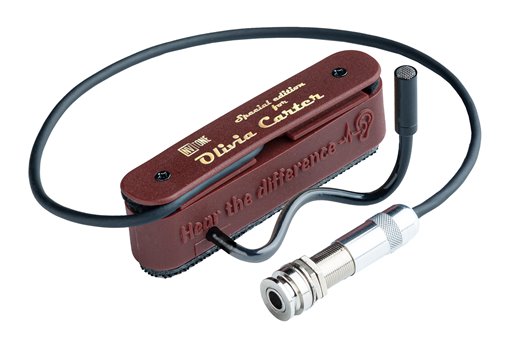
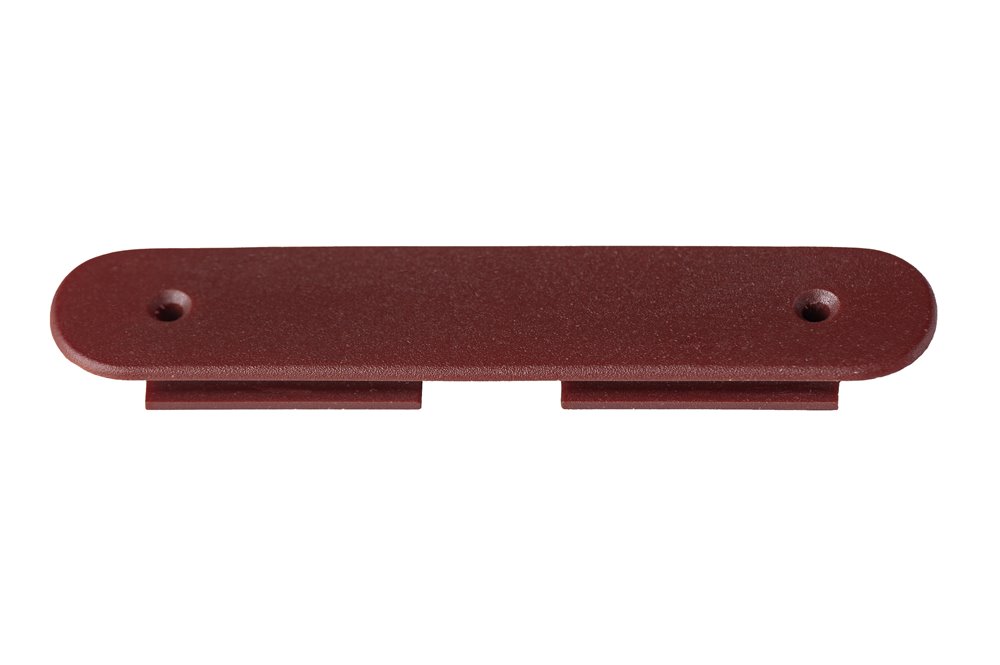
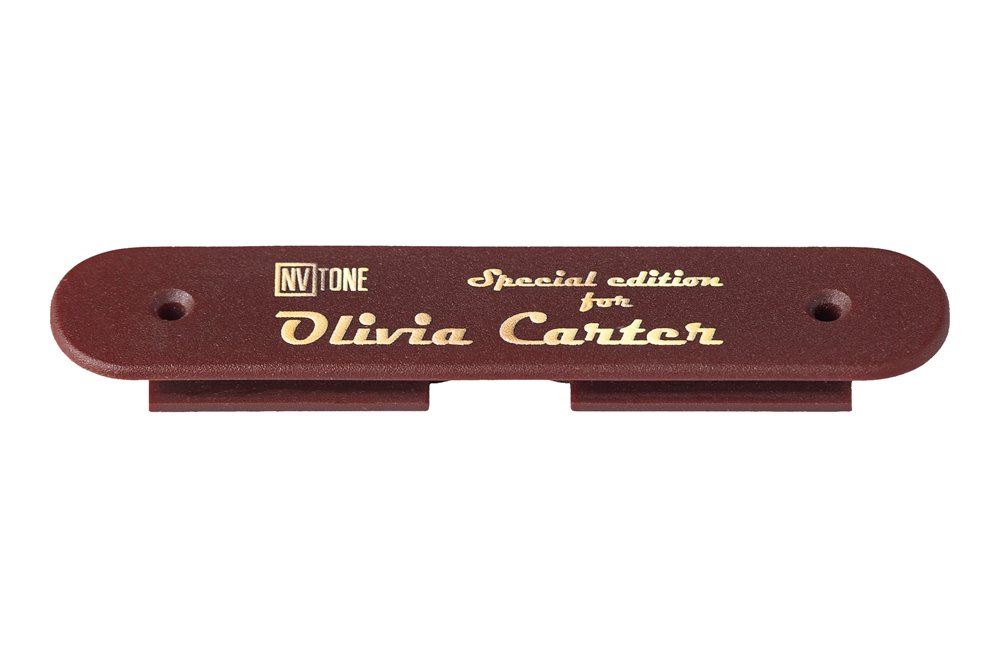
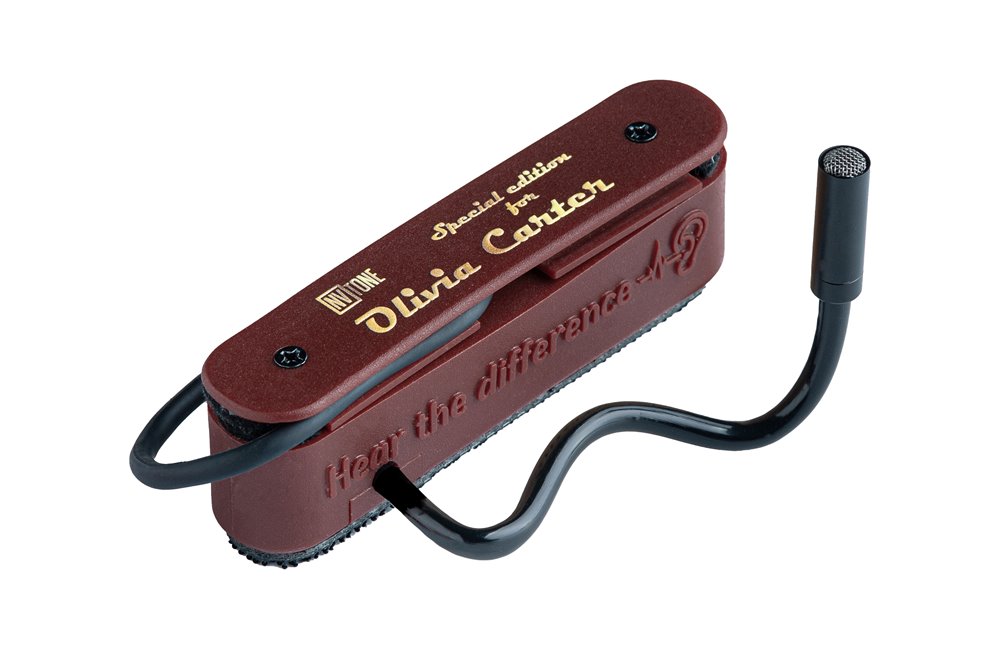
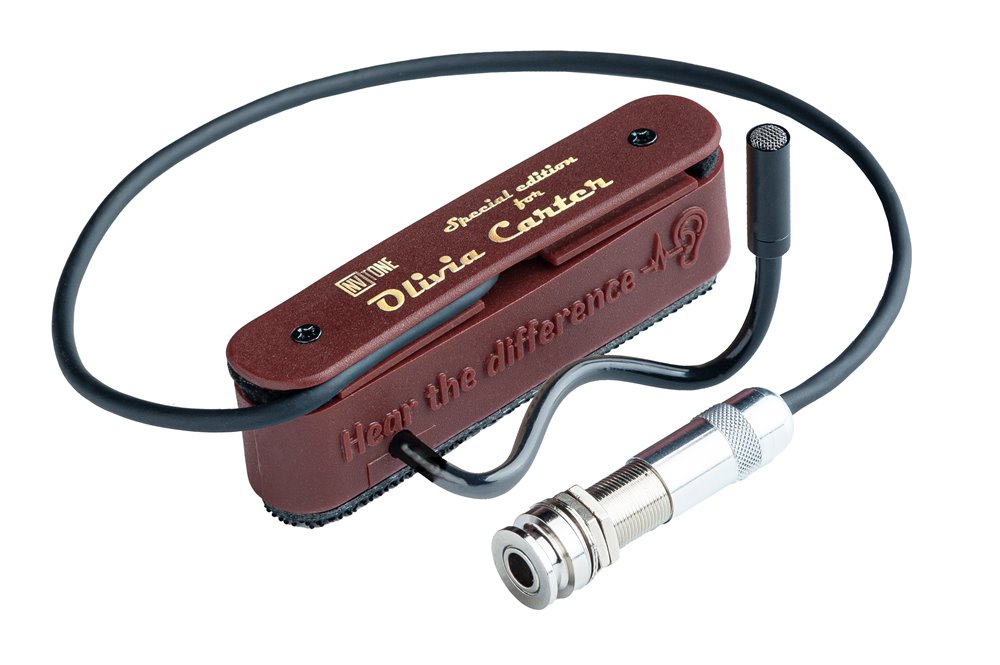
Personalize your microphone with a unique Signature Top – an interchangeable front plate designed to make your NV TONE microphone truly yours.

This exclusive accessory is sold as an additional customizable plate. After purchase, you can have your name, surname, or artist nickname engraved – or, if it’s a gift, the name of your friend.

When adding this product to your cart, please include the desired inscription (up to 19 characters including spaces) in the order comments.

Important Notes:
1. If no personal inscription is provided in the order comments, the plate will automatically be engraved with the purchaser’s first and last name.
2. Custom fonts or graphic designs are not applied.
      •   The top line always reads: NV TONE Special Edition for
      •   The bottom line contains your name, surname, or nickname (maximum 19 characters, English only).
3. Inscriptions containing profanity, offensive language, or references to violence and discrimination will not be accepted.

With a Signature Top, your microphone becomes more than just an instrument – it becomes a statement of your identity.

Installation and Operation Manual

For microphones with external and internal installation:
1. Unscrew the screws of the microphone mounting top cover.
2. Replace the top cover with the one featuring your custom engraving.
3. Tighten the screws.
4. Insert the audio cable into the cable grooves on the left or right side.

Now your microphone is ready to use with your personalized nameplate.

Material
Polycarbonate (lightweight and durable)
Lenght
103mm
Width
21mm
Minimum soundhole diameter
80 mm
Maximum soundhole diameter
92 mm
Smart Cable Management
Integrated left and right cable locks ensure secure and tidy cable routing

How It Works

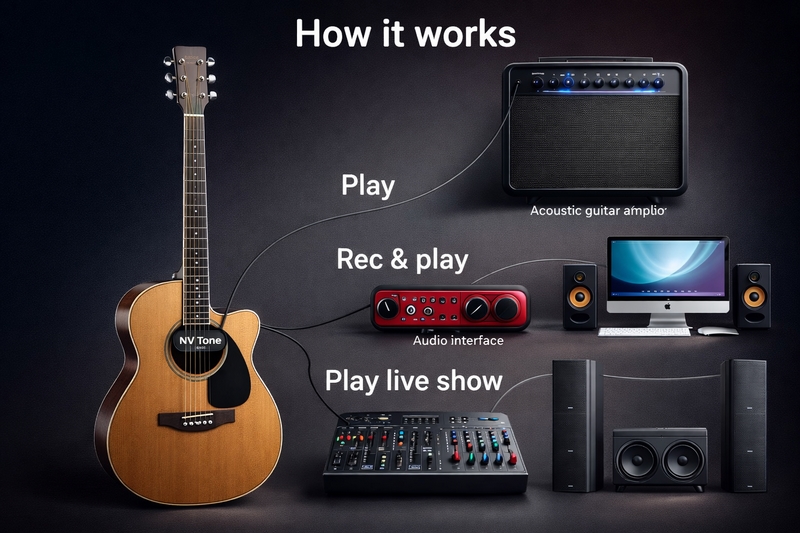
The NV-Tone Swan microphone delivers a natural, clear and balanced sound on both classical nylon-string guitars and acoustic steel-string guitars.

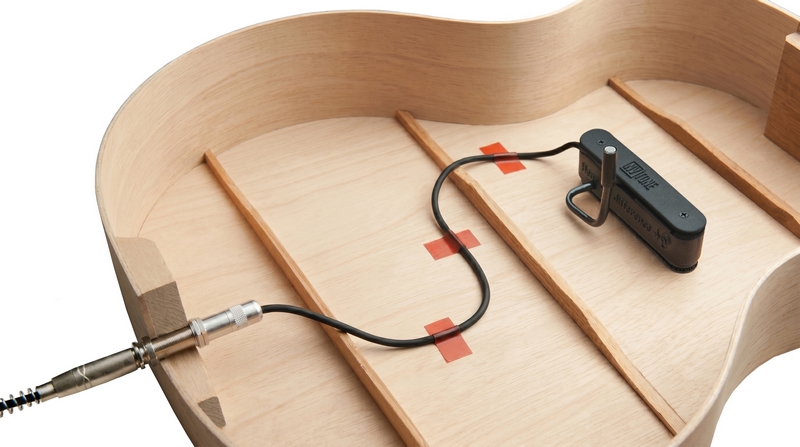
1 Install the microphone inside your guitar using the official NV-Tone installation guide.
2 Connect the microphone to the XLR input of your audio interface, mixer, preamp or recorder.
3 Enable phantom power. The microphone works with +12V to +48V phantom power.
4 Adjust input gain and output volume. Usually 30–40% is enough.
5 Play, record or perform live with a stable and natural microphone sound.
Important: If your equipment does not provide +12–48V phantom power, use an external phantom power supply such as XVIVE P1, BEHRINGER PS400, ART Phantom I, Mackie M48, PSC 48 Phantom or a similar device.

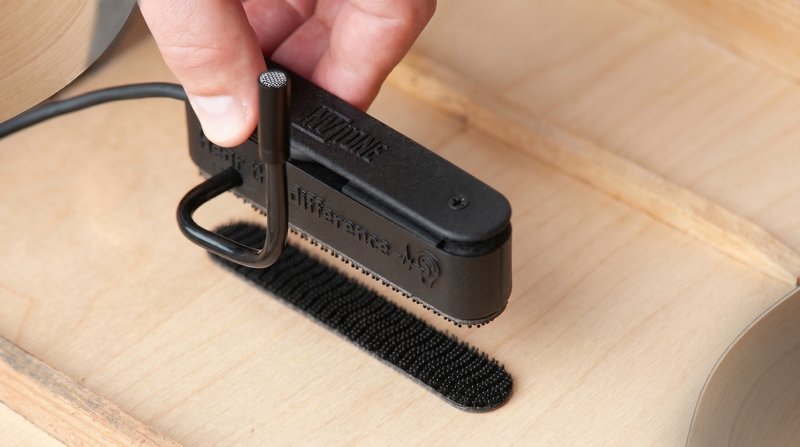
Alternative Mounting Method with 3M Dual Lock SJ3540

For players who prefer a removable installation, the microphone can also be mounted inside the guitar using 3M Dual Lock SJ3540. This method provides a firm hold without drilling the guitar body.

Benefits of this method

  • Strong fixation: 3M Dual Lock provides a stronger hold than regular Velcro and can safely support the microphone mount.
  • No drilling: the guitar body does not need to be drilled or permanently modified.
  • Vibration reduction: the dense structure of the fastener helps reduce unwanted vibration transfer.
  • Removable installation: the microphone can be attached or removed when needed.

Installation recommendations

  1. Clean the mounting area inside the guitar from dust and rough particles.
  2. Degrease the surface using a safe cleaner suitable for musical instruments.
  3. Apply the 3M Dual Lock tape firmly to the selected area.
  4. Allow the adhesive to set for 24 hours before attaching the microphone.

Installation & Operation Guide

The NV-Tone Swan microphone system is designed for quick installation and professional performance on both classical and acoustic guitars.

External Setup

For External Installation

1 Unwind the cable and select the correct orientation for left-handed or right-handed guitar positioning.
2 Secure the cable in the appropriate position inside the guitar body.
3 Slightly loosen the pickup screws before installation.
4 Carefully place the pickup into the soundhole and tighten the screws securely.
5 Connect the XLR output to a mixer, combo amplifier, audio interface or other microphone input device.
6 Enable phantom power if it is not already active.
Internal Setup

For Internal Installation

1 Remove the strap lock from the bottom of the guitar if installed. This location is recommended for the endpin output.
2 Create a 12 mm (15/32") hole using a drill or router.
3 Install and secure the endpin using the supplied nut and locknut. Adjust the output length beforehand if necessary.
4 Select the proper cable orientation for left-handed or right-handed guitar installation.
5 Secure the cable neatly inside the instrument body.
6 Loosen the pickup screws slightly before mounting.
7 Place the pickup into the resonator opening and tighten the screws carefully.
8 Connect the stereo jack to the internal guitar socket.
9 Connect the XLR output to your mixer, amplifier, preamp or audio interface.
10 Activate +48V phantom power if it is not enabled by default.

Delivery

International Express Shipping

  • UPS Express: 5–7 business days
  • Alternative Express Mail: 9–14 business days for remote locations
  • Tracking: included with every order

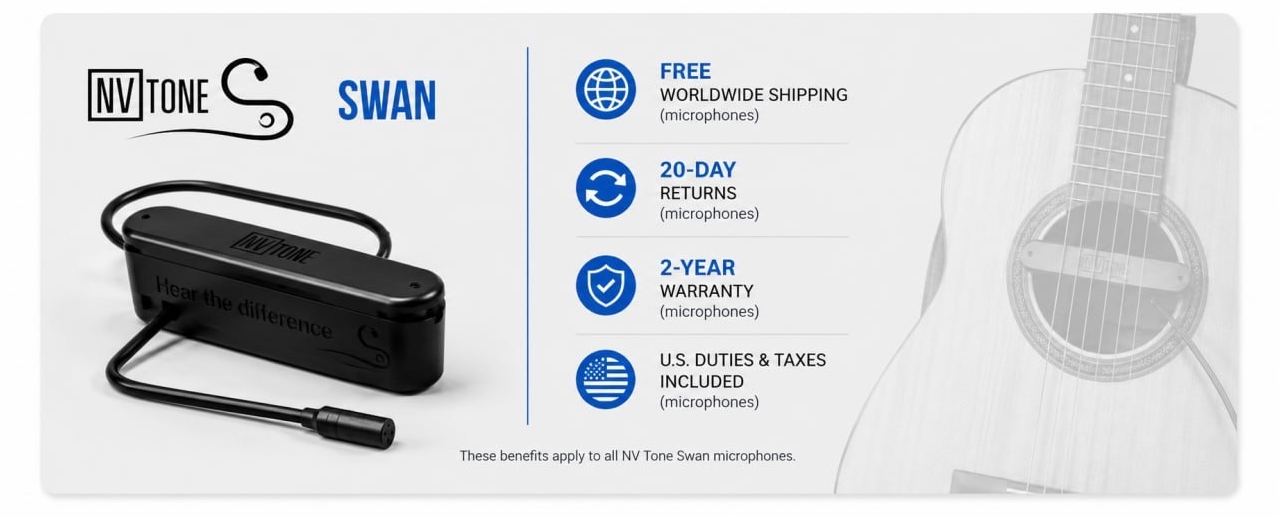
For U.S. customers, duties are already included in the price. For other countries, local taxes or customs fees may apply.


Returns & Warranty

  • 20-Day Money-Back Guarantee from the delivery date
  • 2-Year Warranty against manufacturing defects
  • Item must be returned in original condition

Have questions about shipping, returns, or duties? Contact us — we’ll be happy to help.

You might also like

Customers who bought this product also bought: